
// Creative Agency
SEO During Redesign: 10 Steps to Keep Rankings in 2026

Protecting SEO during a redesign comes down to one rule: change how the site looks and works without throwing away what search engines already trust. Record what ranks today, keep the URLs and content that earn traffic, redirect every URL that has to move, test on staging before launch, and watch Search Console closely afterward. The ten steps below follow that order, so you can hand them to your designer, developer and marketing lead.
TL;DR
- Build a baseline before design starts: your top pages, queries, URLs, status codes and SEO directives.
- Keep URLs, navigation and content depth wherever they support traffic. Change as little as possible on your highest-priority pages.
- Where a URL must change, map it one to one to its closest new page and use a permanent server-side redirect (301 or 308).
- Check canonicals, noindex rules, redirects and the sitemap on staging and again on launch day, then monitor Search Console for weeks.
Table of Contents
- Why a redesign puts rankings at risk
- Before design starts
- While the new site is built
- Launch day
- After launch
- Our perspective: speed should never cost you rankings
- Need a hand with the redesign?
- FAQ
- Sources
Why a redesign puts rankings at risk
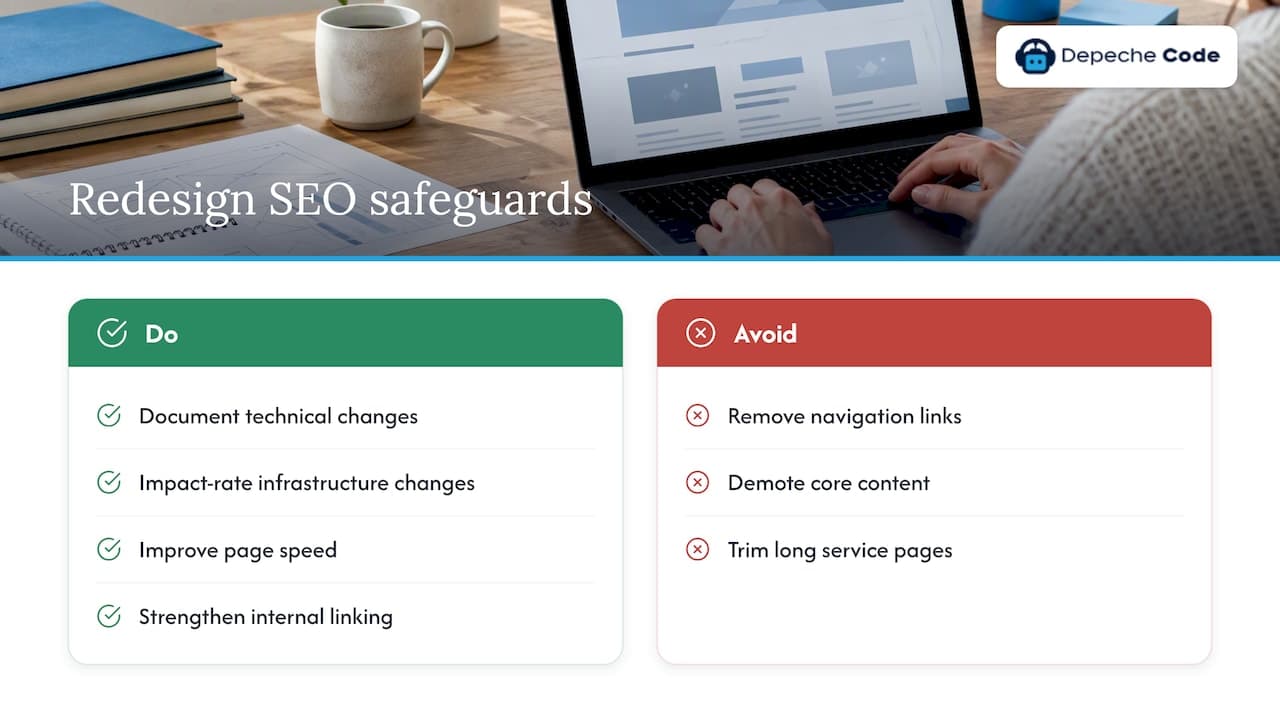
A redesign is not only a visual change. New templates, a new navigation, a different CMS or a JavaScript framework all change what search engines crawl and how they read it. Search Engine Land’s site redesign checklist flags technical infrastructure changes, such as new JavaScript frameworks or CMS migrations, as carrying significant SEO risk, and recommends documenting and impact-rating them in the redesign plan.
The usual damage is quiet. Shopify notes that common traffic drops often come from removing navigation links or demoting core content, which leads search engines to treat those pages as less important. Nobody decides to lose rankings. A menu gets simplified, a long service page gets trimmed for a cleaner look, and three months later the leads dry up.
The good news is that a redesign is also a chance to improve SEO: faster pages, cleaner structure, better internal linking. The steps below protect what you have first, then let you improve it.
Before design starts
Step 1: Build your SEO baseline
You cannot protect what you have not measured. Per the Search Engine Land guide, a baseline means documenting top-performing pages, queries and topics, crawling current URLs, and recording status codes and SEO directives before design decisions are made.
In practice, save these in one spreadsheet:
- Every indexable URL from a full crawl, with status code, title tag, meta description, H1, canonical and robots directives.
- Organic landing pages ranked by sessions and conversions over the last 12 months.
- Top queries and their average positions from Search Console.
- Pages with backlinks, exported from whichever link tool you use.
- Core page speed and Core Web Vitals readings for your key templates.
This file does three jobs. It tells you which pages are untouchable, it becomes the source for your redirect map, and it is the benchmark you compare against after launch. Our website redesign checklist goes through the same preparation in more detail.
Step 2: Decide which pages are protected
Not every page deserves equal care. Search Engine Land advises you to preserve pages receiving backlinks, organic traffic or strong keyword rankings, and modify the highest-priority pages as little as possible.
Sort your baseline into three groups:
| Group | What it includes | Redesign treatment |
|---|---|---|
| Protect | Pages with backlinks, steady organic traffic or top rankings | Keep URL, headings and core copy. Restyle only |
| Improve | Pages with impressions but weak positions or thin content | Rewrite and expand, keep the URL |
| Retire or merge | Duplicates, outdated pages with no traffic or links | Redirect to the closest relevant page |
Share this table with the design team on day one. It turns “can we change this page?” from an argument into a lookup.
Step 3: Plan the structure and URLs around what works
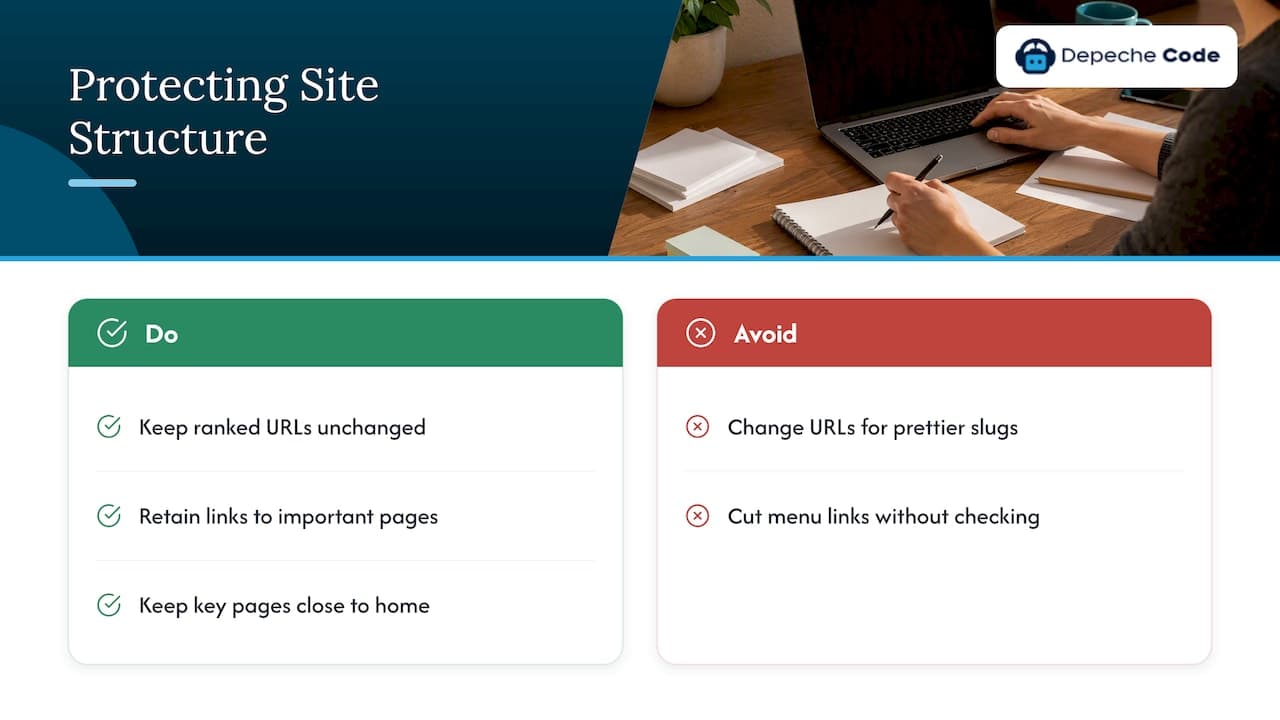
Search Engine Land’s guide stresses that preserving the site structure and URLs that support organic traffic is essential. If a URL ranks, the safest new URL is the same URL. Pretty new slugs are rarely worth the risk.
Simplified navigation is where designers and SEO most often collide. Before a menu is cut down, check which pages it links to and how many internal links those pages would lose. Our guide to site architecture rules covers how to keep important pages close to the homepage while still giving the design room to breathe.
Step 4: Keep content depth intact
A cleaner design often means fewer words. That is where secondary rankings leak away. Shopify warns that reducing content or using vague, marketing-focused language during a redesign can cost you rankings for secondary keywords, and advises keeping information density and context.
A practical rule: a protected page should leave the redesign with at least the same specific information it had before. If the new layout hides copy in tabs or accordions, make sure the text is still in the page’s HTML. If a headline gets shortened to a slogan, keep the descriptive wording somewhere prominent, such as the first paragraph or a subheading.
While the new site is built
Step 5: Map every changed URL
If a URL has to change, it needs a destination. Google’s site move documentation recommends server-side permanent redirects, such as 301 or 308, from old URLs to the new ones and advises avoiding redirect chains, which add latency for users. Search Engine Land adds that where changes are unavoidable, one-to-one redirects should be meticulously mapped to their final destinations.
Build the map from your baseline crawl:
- List every old URL that had traffic, links or rankings.
- Pair each with the most relevant new page, not the homepage by default.
- Write the final destination, so a chain such as old to interim to new never happens.
- Have someone other than the author spot-check a sample.
Sending hundreds of old pages to the homepage is the shortcut that tends to cause the most pain later. Our walkthrough of 301 redirect mapping shows a workable spreadsheet layout and testing routine.
Step 6: Treat a CMS or domain change as its own project
If the redesign also moves you to a new CMS, new platform or new domain, the risk multiplies. For a domain move, Google advises submitting Change of Address requests for all verified old-domain variants in Search Console, in addition to the redirects.
Do not bundle every change into one launch if you can avoid it. A redesign on the same domain and URLs is far easier to diagnose than a redesign, replatform and rebrand at once. If you must combine them, our guides on domain change SEO impact and CMS migration SEO explain how to sequence the work.
Step 7: Test everything on staging
Staging is where you find the problems that are cheap to fix. Google’s documentation says that before launch you should prepare self-referencing canonicals for the new URLs and plan to remove any development noindex rules.
A staging checklist:
- Crawl the staging site and compare it with your baseline: titles, headings, canonicals, internal links and status codes.
- Confirm that every protected page exists at its expected URL.
- Run the redirect map against the staging build.
- Check that structured data, image alt text and meta tags carried over.
- Keep staging blocked from search while you test, and write down exactly which setting must be reversed at launch.
The noindex or password protection on staging is the most common launch-day casualty. If it ships to production, the new site tells Google to drop itself. Our list of website redesign mistakes covers this and nine other risks worth catching before launch.
Launch day
Step 8: Run the launch checks
On launch day, Google’s guidance is to check canonicals and noindex rules, test the redirects and submit the new sitemap. Do them in this order, with the old site’s redirects live before you announce anything:
- Remove staging noindex rules and password protection.
- Confirm the robots.txt file allows crawling of the pages you want indexed.
- Test a sample of old URLs and confirm each returns a single permanent redirect to the right page.
- Check canonicals on key templates.
- Submit the new XML sitemap in Search Console.
- Spot-check internal links for any that still point to old URLs.
Launch early in the week and not on a Friday. If something breaks, you want the whole team at their desks.
After launch
Step 9: Verify that Google can crawl and index the new site
Google’s documentation points to Search Console as the place to check: the Index Coverage and Sitemaps reports, plus the URL Inspection tool for testing individual URLs, while you monitor crawl errors as Google discovers the new content.
In the first days, look for:
- Important pages marked as excluded, or “noindex” where you did not intend it.
- A jump in 404 errors, which usually means a missing redirect.
- Your sitemap showing far fewer discovered URLs than you submitted.
- Canonicals that Google has overridden with a different URL.
Step 10: Monitor, then respond calmly
Expect some movement. Google says that temporary ranking fluctuations are normal during a site move as pages are re-crawled and re-indexed, and that the process can take weeks or longer for medium to large sites. A small dip in the first weeks is not a reason to panic or to start undoing the work.
What is a reason to act is a pattern. Shopify suggests that if more than 1% of URLs show 404s or mismatched redirects, it points to a deeper problem with your URL mapping. When something looks wrong:
- Compare organic traffic by landing page against your baseline, not just the site total.
- Inspect the affected URLs with the URL Inspection tool.
- Re-test the redirects for those URLs.
- Fix the issue on the server, then request indexing for the most important pages.
Keep your baseline spreadsheet open for at least a few months and review weekly at first. Our five-phase SEO checklist for redesigns lays out a monitoring rhythm you can copy.
Our perspective: speed should never cost you rankings
We build and redesign sites every day, and the pattern we see is consistent: the redesigns that go wrong were rarely bad designs. They were designs approved without anyone asking what the old site was earning. That is why we put SEO in the first meeting and not the last one.
We use in-house directed AI to move faster on production work, but speed is only useful if the result is measurable. We judge a finished site by its Google PageSpeed and SEO scores, and we believe the business should own every deliverable outright, including the redirect map, the crawl files and the baseline data. Those documents are how you hold any agency, including us, to account.
Our advice is simple. Protect first, improve second. Keep what ranks, fix what is weak, and give the site a few weeks of honest monitoring before judging the result.
— Donovan Wells - Founder and CEO
Need a hand with the redesign?
If you would rather not carry the baseline, redirect map and launch checks yourself, our team at Depeche Code handles website design and redesign with SEO built into the plan, from the first crawl to post-launch monitoring. Orlando-based, working with businesses across the United States.

If you are also weighing ongoing search work after the new site is live, our SEO options and plans page explains how that support is structured. For a wider checklist of on-page fundamentals, see our SEO best practices checklist.
FAQ
Should SEO be done before or after a redesign?
Before, during and after. The baseline and the list of protected pages must exist before design starts, the redirects and staging checks happen during the build, and monitoring continues after launch. Doing SEO only after launch means fixing damage instead of preventing it.
Will redesigning my website hurt my rankings?
It can, but it does not have to. Rankings usually fall when URLs change without redirects, content gets thinned out, navigation links disappear or a noindex rule reaches production. Google also says that temporary fluctuations are normal while pages are re-crawled, so judge the result over weeks, not days.
Do I need 301 redirects if the URLs stay the same?
No. If a page keeps exactly the same URL, no redirect is needed. You need redirects only for URLs that change or disappear, and each should point to the closest relevant new page through a single permanent redirect.
How long until traffic recovers after a redesign?
It depends on the size of the site and how much changed. Google says re-crawling and re-indexing can take weeks or longer for medium to large sites. If you kept URLs and content intact, movement is usually small. If traffic keeps falling on specific pages, check redirects and indexing for those pages first.
What is the biggest SEO mistake during a redesign?
Changing URLs without a one-to-one redirect map is the most damaging and the most avoidable. Close behind are removing high-value content for a cleaner look and forgetting to lift staging blocks at launch.
Sources
- Site redesign checklist to preserve SEO and improve visibility, Search Engine Land
- How to avoid an SEO disaster during a website redesign, Search Engine Land
- Website Redesign SEO: How To Preserve Organic Traffic, Shopify
- Site Moves and Migrations, Google Search Central