

TL;DR:
- Effective website footers balance clear structure, strong brand expression, and accessibility to enhance user engagement. Limiting columns, ensuring high contrast, and using semantic HTML are essential for usability and SEO. Inspiring examples like Apple and Mailchimp demonstrate how intentional design turns footers into trust-building, conversion-boosting assets.
The website footer is defined as the persistent bottom section of every webpage that anchors navigation, legal information, contact details, and brand identity in one structured zone. Most designers treat it as an afterthought, yet Webflow identifies footers as a critical last-chance interaction point where visitors either re-engage or leave for good. The best website footer design ideas combine clear layout structure, creative branding, and accessibility compliance to turn that overlooked strip into a conversion and trust asset. Tools like UXPin, Webflow, and GoDaddy have each published specific guidance on footer best practices, and the gap between sites that follow it and those that don’t is visible immediately.
1. Best footer layout and structural ideas for 2026
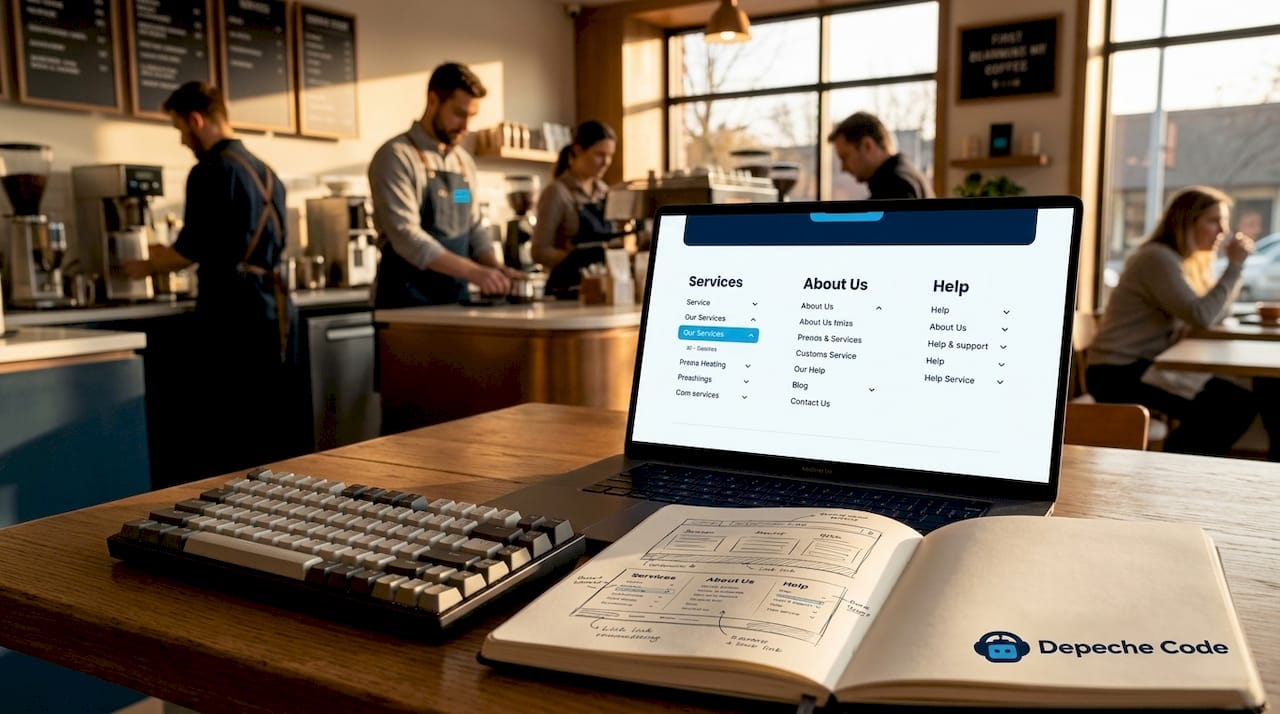
Strong footer layout is the foundation every other design choice builds on. UXPin’s 2026 guidance recommends limiting footers to 4 to 6 columns maximum, grouping related links under clear section headings, and stacking those columns into a single responsive column on mobile devices. This prevents the footer from becoming a cluttered link dump that users scroll past without reading.
Column grouping works because it mirrors how people scan. A visitor looking for your privacy policy scans the “Legal” column. A visitor looking for support scans “Help.” Without labeled groups, every link competes equally for attention, and none wins.
- Limit columns to 4 to 6 to maintain visual balance across screen sizes
- Group related links under short, descriptive headings so users find content fast
- Stack columns responsively on mobile into a single scrollable column
- Use collapsible accordion sections on mobile for dense link groups to reduce scroll depth
- Cap total links at 40 to 50 before moving excess navigation to a dedicated sitemap page
UXPin cautions that when footers exceed roughly 50 links, the correct fix is collapsible groups or a sitemap page, not a smaller font size. Shrinking text to fit more links destroys readability and fails accessibility standards simultaneously.
Pro Tip: Test your footer layout at 375px width (iPhone SE viewport) before finalizing. If columns overlap or text truncates, your responsive stacking logic needs adjustment before launch.
2. Creative footer elements that strengthen brand identity
Creative website footers do more than list links. They communicate personality, build trust, and give visitors a reason to scroll all the way down. Webflow’s research confirms that footers serve as final engagement opportunities, making brand expression at this location directly tied to conversion outcomes.
Mailchimp’s footer is a widely cited footer design example precisely because it uses custom illustration and a distinct background color to signal brand personality without adding a single extra link. The footer feels like a designed destination, not a legal disclaimer zone.
- Social media icons should be sized to at least 44×44 pixels for tap accessibility, not the tiny 16px versions that fail on mobile
- Newsletter signup forms placed in the footer capture leads from visitors who read the full page but weren’t ready to convert mid-scroll
- Custom background colors create a visual full stop that signals page completion and reinforces brand color systems
- Logos and taglines in the footer repeat brand identity for users who land mid-page and scroll down before reading the header
- Trust badges and certifications (SSL seals, industry awards, payment icons) placed in the footer reduce purchase anxiety on e-commerce and service sites
- Subtle animations or micro-interactions on hover states add polish without distracting from navigation
Ditch the Templates notes that small business sites using customized footer backgrounds and social links as a visual full stop measurably improve perceived design quality. This matters because first impressions extend to last impressions.
Pro Tip: If you add a newsletter form to your footer, keep it to one field (email only) and one button. Every additional field cuts your signup rate.
3. How footers can meet accessibility and readability standards
Accessibility in footer design is not optional. It is a legal and ethical requirement that also improves SEO and usability for every visitor. WCAG 2.1 AA requires a minimum contrast ratio of 4.5:1 for normal text and 3:1 for large text. Muted gray footer text, which is the default on dozens of popular themes, frequently fails this standard outright.
The contrast requirement affects more than aesthetics. Low-contrast legal text and copyright lines are unreadable for users with low vision, and search engine crawlers also struggle to parse content that lacks visual hierarchy.
- Verify contrast ratios using tools like the WebAIM Contrast Checker for all footer text, including muted copyright lines
- Meet the 24×44 pixel touch target standard: WCAG 2.2 specifies a minimum of 24×24 CSS pixels for interactive elements, with 44×44 pixels as the recommended target for enhanced usability
- Use semantic HTML heading tags (H2, H3) for footer section labels rather than styled paragraph text, which screen readers cannot interpret as navigation landmarks
- Audit tap boundaries including whitespace, not just icon size, since icon-only footer links frequently fail accessibility audits when spacing is ignored
- Ensure keyboard navigability so users who cannot use a mouse can tab through every footer link in a logical order
GoDaddy recommends using proper semantic HTML heading levels for footer link group labels to improve both screen reader navigation and SEO indexing. This single structural change costs nothing to implement and delivers measurable gains on both fronts.
Pro Tip: Run your footer through Google Lighthouse’s Accessibility audit before launch. A score below 90 in the footer region almost always traces back to contrast failures or missing ARIA labels on icon links.
4. Real-world footer design examples worth studying
Studying footer design examples from established companies reveals patterns that work across industries. The following table breaks down five footers that designers and small business owners reference most often, along with the specific lesson each one teaches.
| Company | Footer style | Key design feature | What to learn |
|---|---|---|---|
| Apple | Minimal multi-column | Clean link groups, muted legal text, country selector | Simplicity at scale: fewer links, more clarity |
| Amazon | Fat doormat footer | Dense columns with labeled sections, accordion on mobile | Structure makes density navigable |
| Mailchimp | Branded illustration | Custom artwork, bold background color, social icons | Personality lives in the footer too |
| HubSpot | Mini-sitemap | Extensive categorized links for SaaS product depth | Deep sites need organized footer sitemaps |
| Chase Bank | Trust-focused | Legal disclaimers, regulatory badges, accessibility links | Financial trust signals belong at the bottom |
Apple’s footer is the most referenced footer layout inspiration for B2B and SaaS designers because it proves that restraint is a design choice. Apple uses roughly 20 links organized into four clean columns, a country/region selector, and a single line of legal text. Nothing competes. Amazon takes the opposite approach with a fat footer that works because every column is labeled and the mobile version collapses sections into tappable accordions.
HubSpot’s footer functions as a mini-sitemap, listing product categories, solutions, resources, and company links in a way that serves both users and search engine crawlers. For a SaaS platform with hundreds of pages, this approach gives the footer genuine SEO value. Chase Bank’s footer prioritizes legal compliance and regulatory trust signals, which is the correct priority for any financial services site regardless of aesthetic preferences.
5. How to choose the right footer design for your site
The right footer design depends on your site’s content volume, your visitors’ goals, and your conversion priorities. A five-page small business site needs a completely different footer than a 500-page e-commerce platform.
- Small business sites benefit from a minimal footer with contact info, social links, a newsletter form, and three to five navigation links. Anything more creates noise without adding value.
- E-commerce sites need product category links, customer service access, trust badges, and payment method icons. The footer is a trust checkpoint before checkout.
- SaaS and enterprise sites require a mini-sitemap structure with labeled columns covering products, solutions, resources, and company information.
- Content-heavy sites (blogs, news, media) should use the footer for category navigation, subscription CTAs, and author or about links rather than repeating the main menu.
- Mobile-first audiences demand collapsible footer sections by default, not as a responsive afterthought.
Webflow advises that footer CTAs should align directly with your main funnel messaging, providing a single clear call to action that re-engages visitors who scrolled past your header CTA. If your header says “Start Free Trial,” your footer should echo that message, not introduce a competing offer. Consistency between header and footer CTAs is one of the most overlooked footer design trends in 2026, and it directly affects conversion rates on long-form pages.
For small businesses specifically, digital agency services that include footer strategy as part of a broader UX plan consistently outperform DIY approaches because they align footer structure with business goals from the start.
Key takeaways
The most effective website footer design balances structural clarity, brand expression, and accessibility compliance to convert a page’s final section into a genuine engagement asset.
| Point | Details |
|---|---|
| Limit columns and links | Cap footers at 4 to 6 columns and 40 to 50 links before switching to collapsible groups or a sitemap. |
| Meet WCAG contrast standards | Use a minimum 4.5:1 contrast ratio for normal footer text to pass accessibility requirements. |
| Use semantic HTML headings | Label footer sections with real H2 or H3 tags, not styled text, to aid screen readers and SEO. |
| Align footer CTAs with header | Repeat your primary call to action in the footer to re-engage visitors who missed it mid-page. |
| Study real footer examples | Apple, Mailchimp, and HubSpot each demonstrate a distinct approach worth adapting to your context. |
The footer is the last word your site says
I’ve reviewed hundreds of website redesigns over the years, and the footer is almost always the last element the client thinks about and the first element that reveals whether a designer truly understands UX. A footer that was clearly designed in the final hour of a project looks exactly like that. Mismatched fonts, links that go nowhere, social icons sized at 12 pixels, copyright years that haven’t been updated since 2019.
The footers I respect most are the ones that feel intentional. Mailchimp’s illustrated footer didn’t happen by accident. Someone made a deliberate decision to extend the brand into that space rather than paste in a generic four-column template. That decision costs nothing extra in development time but communicates everything about how seriously a company takes its digital presence.
My honest recommendation for small business owners: before you touch your footer, write down the three things you most want a visitor to do after reading your page. Then build your footer around those three things only. A newsletter signup, a phone number, and a link to your services page will outperform a 40-link footer every single time for a local business.
For designers, the accessibility piece is non-negotiable in 2026. Proper semantic structure in footers is one of the fastest wins available on any site audit. It takes thirty minutes to fix heading tags and contrast ratios, and the SEO and accessibility gains are immediate. There is no excuse for shipping a footer that fails a basic Lighthouse audit.
The footer is not where design goes to die. It’s where trust is either confirmed or lost.
— Donovan
Let Depeche Code build a footer that works as hard as your homepage

At Depeche Code, every website we build treats the footer as a strategic asset, not a template placeholder. Our Orlando-based team handles everything from professional website design to full UX audits that include footer structure, accessibility compliance, and CTA alignment. Whether you need a clean minimal footer for a small business site or a fully organized mini-sitemap for a growing SaaS platform, we design with your conversion goals in mind. If your current footer is an afterthought, we can fix that. Explore our free website development offer and see what a purpose-built footer can do for your site’s performance.
FAQ
What should every website footer include?
Every footer should contain navigation links, contact information, social media icons, legal text (copyright and privacy policy), and at least one call to action. Small business footers benefit most from keeping this list tight rather than adding every possible link.
How many links are too many for a footer?
UXPin recommends capping footer links at 40 to 50 before switching to collapsible sections or a dedicated sitemap page. Beyond that threshold, link density hurts usability rather than helping navigation.
What is the minimum font size for footer text?
Footer body text should be no smaller than 14px, and legal or copyright text should stay at 12px minimum with a contrast ratio of at least 4.5:1 per WCAG 2.1 AA standards. Dropping below these thresholds creates legibility failures for a significant portion of users.
How do I make a footer mobile-friendly?
Stack columns into a single responsive column and use collapsible accordion sections for dense link groups on screens below 768px. Accessibility guidelines also require touch targets of at least 24×24 CSS pixels, with 44×44 pixels recommended for all interactive footer elements.
Does footer design affect SEO?
Yes. Using semantic HTML heading tags for footer section labels helps search engine crawlers understand your site structure, and proper footer link organization improves internal linking signals. A well-structured footer also reduces bounce rates by giving visitors clear next steps.