

TL;DR:
- Regular website maintenance is essential to prevent security issues, performance decline, and SEO penalties.
- DIY maintenance suits simple sites but risks increase with size and traffic, making professional help advisable.
- Neglecting maintenance leads to costly recovery, security breaches, and reputational damage, impacting business growth.
Most business owners launch a website and assume the hard work is done. It isn’t. A website left without regular care quietly deteriorates, losing search rankings, accumulating security vulnerabilities, and frustrating the very visitors you worked hard to attract. Hack cleanup alone costs between $300 and $3,000, a painful bill that dwarfs what proactive maintenance would have cost. This guide breaks down what website maintenance actually involves, what happens when you skip it, and the practical steps you can take right now to protect your investment and keep your site working hard for your business.
Table of Contents
- What is website maintenance and why is it essential?
- Types of website maintenance tasks every site needs
- DIY vs. professional website maintenance: Which is best?
- The risks and hidden costs of neglecting website maintenance
- The real value of website maintenance: Beyond just routine tasks
- Professional website maintenance solutions to help your business thrive
- Frequently asked questions
Key Takeaways
| Point | Details |
|---|---|
| Ongoing protection | Routine maintenance prevents security breaches and costly emergencies. |
| Better user experience | Regular updates and fixes ensure your site stays reliable and trustworthy. |
| Cost savings | Proactive maintenance is almost always cheaper than emergency repairs or hack cleanup. |
| Strategic edge | Well-maintained sites outperform in SEO, credibility, and growth readiness. |
What is website maintenance and why is it essential?
Website maintenance is the ongoing process of keeping your site secure, functional, up to date, and aligned with your business goals. Think of it like servicing a company vehicle. You wouldn’t skip oil changes and then act surprised when the engine seizes. A website needs the same consistent attention to keep performing at its best.
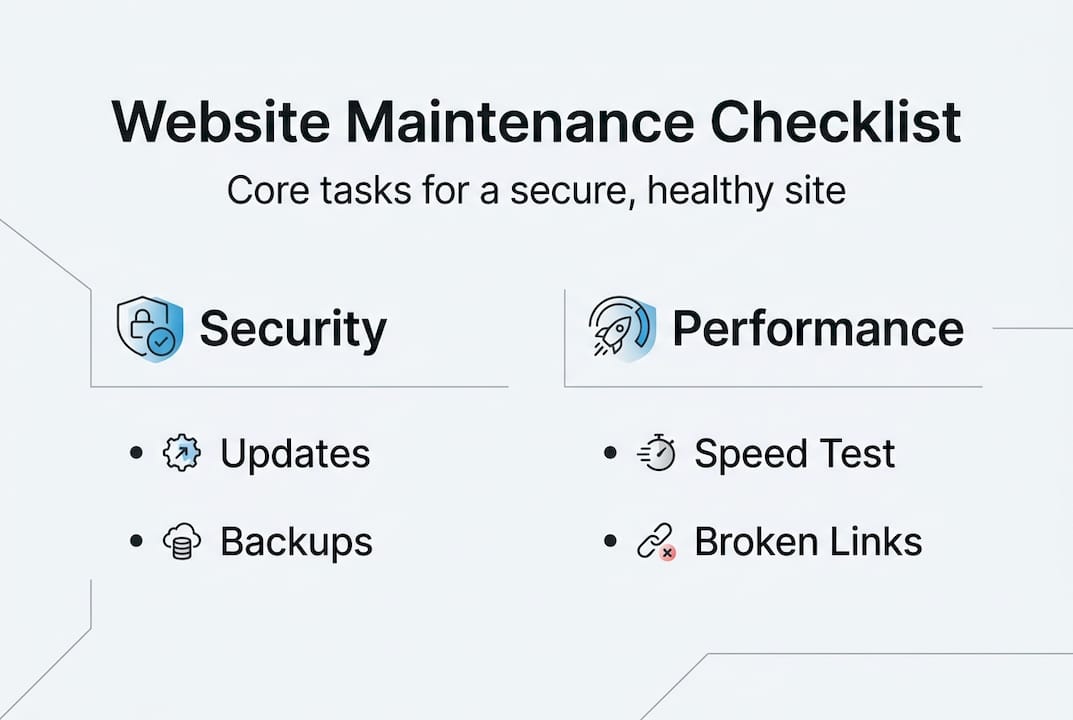
At its core, maintenance covers four major categories:
- Security: Patching vulnerabilities, updating software, and monitoring for threats
- User experience (UX): Fixing broken links, updating content, and ensuring smooth navigation
- Performance: Optimizing load speeds, cleaning databases, and managing server health
- SEO: Keeping metadata current, fixing crawl errors, and ensuring technical compliance
Understanding why updating your website matters goes beyond aesthetics. Search engines actively penalize slow, outdated, or insecure sites. Customers notice too. A site with broken pages or stale content signals that the business behind it may not be reliable.
The most common misconception we hear from new clients is that launching a website is the finish line. It’s actually the starting line. From day one, your site begins to drift unless someone is actively tending to it.
“A website is never truly finished. It’s a living business asset that requires consistent investment to remain effective.”
Annual maintenance typically costs 10 to 15% of the original website build cost, which is a modest commitment compared to the risk of letting things slide. If your site cost $10,000 to build, budgeting $1,000 to $1,500 per year for maintenance is not just reasonable, it’s essential.
Reviewing a website maintenance checklist is a great way to see exactly where your site stands right now.
Pro Tip: Schedule website maintenance the same way you schedule quarterly tax reviews or annual equipment inspections. Put it on the calendar, assign an owner, and make it non-negotiable.
Now that you understand why maintenance isn’t optional, let’s dive deeper into what it actually involves.
Types of website maintenance tasks every site needs
Not all maintenance tasks are created equal. Some need daily attention, others monthly. Here are the five core categories every business site should cover:
- Security updates: Plugins, themes, and core software need patches as vulnerabilities are discovered. Aim for weekly checks at minimum. Tools like Wordfence or Sucuri can automate alerts. Check out these website security tips for a practical starting point.
- Backups: Your data is only as safe as your last backup. Daily automated backups for active ecommerce or high-traffic sites, and weekly backups for smaller sites, should be your standard. Store copies offsite.
- Content updates: Stale content erodes trust and hurts SEO. Review all pages quarterly and refresh blog content, team bios, pricing, and service descriptions at least twice a year.
- Monitoring and analytics: Uptime monitoring tools like UptimeRobot flag downtime instantly. Monthly analytics reviews help you spot traffic drops early, which often signal a technical issue.
- Technical audits: A quarterly crawl using tools like Screaming Frog or Google Search Console catches broken links, crawl errors, and slow pages before they compound into bigger problems.
Here’s a quick comparison to help you decide which approach fits your team:
| Approach | Monthly cost | Effort required | Expertise needed | Risk level |
|---|---|---|---|---|
| DIY | $0 to $50 | High | Moderate to high | High if knowledge gaps exist |
| Managed service | $50 to $300 | Low | Provided by agency | Low |
| Hybrid | $30 to $150 | Medium | Basic in-house | Medium |
DIY tools can cost as little as $0 to $50 per month, while professional plans for small and midsize businesses run $50 to $300 monthly. The gap in cost is smaller than most owners assume, especially once you factor in your own time.
Exploring WordPress maintenance essentials is worthwhile if your site runs on WordPress, since the platform’s popularity also makes it a frequent target for attackers.
Pro Tip: Automate what you can, including backups, security scans, and uptime alerts. But always review the reports yourself. Automation catches issues; human judgment decides what to do about them.
Understanding the “what” of maintenance, next you’ll see how different approaches compare and what makes each option more or less suited to your business.
DIY vs. professional website maintenance: Which is best?
The honest answer is: it depends on your site’s complexity, your team’s technical skills, and how much risk you’re comfortable carrying.
DIY maintenance works well for very simple brochure sites with minimal traffic, teams that include a technically fluent person, and businesses with extremely tight budgets. If your site has five pages and changes rarely, DIY may be perfectly adequate.
But the risks compound fast. Here are the red flags that signal it’s time to move to professional or managed maintenance:
- Your site has experienced downtime more than once in a quarter
- You’ve had a security incident or suspicious login attempts
- Your business is growing rapidly and your site traffic is increasing
- You rely on ecommerce and a few hours of downtime means real lost revenue
- No one on your team has time to run regular audits
SMB outsourcing typically costs $100 to $500 per month, which is the range where most small businesses find the best value. Compare that to even one emergency repair, which can easily run $500 to $2,000 for a hacked or crashed site, and the math favors professional support.
| Factor | DIY | Professional | Hybrid |
|---|---|---|---|
| Monthly cost | Low | Medium to high | Low to medium |
| Time investment | High | Minimal | Medium |
| Scalability | Limited | High | Moderate |
| Risk (SMB) | High | Low | Medium |
For growing businesses, exploring business maintenance packages can reveal structured options that scale alongside your needs without requiring you to build an in-house team.
With a clearer picture of your options, it’s crucial to recognize the risks of neglect and the potential consequences of cutting corners.
The risks and hidden costs of neglecting website maintenance
Neglect rarely announces itself. It builds slowly until one morning you find your site is down, your inbox is full of customer complaints, or Google has flagged your pages as unsafe. By then, the damage is already done.
Here are the direct risks every business faces without consistent maintenance:
- Data breaches: Outdated plugins and unpatched software are the most common entry points for attackers
- Reputational damage: A hacked site that serves malware to visitors is extremely difficult to recover from in terms of trust
- Lost revenue: Downtime during high-traffic periods directly cuts into sales
- SEO penalties: Google actively demotes slow, insecure, or error-ridden sites in search results
Beyond those, there are hidden costs that rarely show up in a pre-launch budget:
- Emergency developer fees, which carry premium hourly rates
- Loss of customer data, which may trigger regulatory fines depending on your industry
- Time spent managing a crisis instead of running your business
- The cost of rebuilding user trust after a public incident
“The cost of prevention is almost always a fraction of the cost of recovery. Businesses that discover this truth through a crisis rarely make the same mistake twice.”
Hack cleanup costs between $300 and $3,000, and that figure doesn’t include lost revenue, SEO recovery, or the hours your team spends managing the fallout. Reviewing a maintenance red flag checklist before a problem hits can save you significantly.

Watch for these warning signs before they escalate: slow page load times above three seconds, expired SSL certificates, outdated plugins more than two major versions behind, and a drop in organic traffic without an obvious marketing explanation.
Understanding what’s at stake turns maintenance from a chore into a strategic advantage. Here’s how to take action today.
The real value of website maintenance: Beyond just routine tasks
Here’s the mindset shift most business owners need: website maintenance isn’t a cost center, it’s compounding infrastructure. Every week your site stays fast, secure, and up to date, you’re quietly building search authority, reinforcing customer trust, and staying ready to launch new campaigns without technical debt slowing you down.
Most companies only appreciate this after a crisis. A hacked site, a sudden ranking drop, or a wave of customer complaints forces the realization that maintenance was never optional. The businesses that treat it as strategic from the start are the ones that scale faster and adapt to market changes without scrambling.
Expanding into new services, refreshing your messaging, or running a time-sensitive promotion becomes far easier when your site is already well-maintained. Strategic maintenance for growth means you’re always ready to move, not always catching up.
Pro Tip: Add a website health review as a standing item in your quarterly leadership or marketing meetings. Thirty minutes per quarter can surface issues before they become expensive problems.
Maintenance isn’t an expense. It’s the infrastructure that makes every other digital investment work better.
Professional website maintenance solutions to help your business thrive
At Depeche Code, we work with businesses across industries to take the guesswork and grind out of website upkeep. Whether you need a full managed plan or targeted support for a specific gap, our team handles the technical side so you can stay focused on growth.

Our WordPress maintenance plans cover security monitoring, backups, updates, and performance checks on a schedule that fits your site’s needs. We also pair maintenance with SEO maintenance solutions and full website design and development services for businesses ready to level up their entire online presence. Reach out to our team to find the plan that fits your business, and stop leaving your most important digital asset unattended.
Frequently asked questions
How much does website maintenance typically cost per month?
Maintenance costs range from $0 to $50 for DIY setups, $100 to $500 for small business outsourcing, and up to $2,000 per month for fully managed enterprise-level services.
What are the top three risks of skipping website maintenance?
The biggest risks are data breaches from unpatched software, unexpected downtime that costs you sales, and expensive emergency repairs that far exceed what regular maintenance would have cost. Hack cleanup alone can run $300 to $3,000.
How often should critical website updates be performed?
Security patches and plugin updates should be applied at least weekly, and immediately after any major security vulnerability is publicly disclosed.
Does website maintenance affect SEO rankings?
Yes. A well-maintained site loads faster, stays secure, and avoids technical errors, all of which are direct ranking factors that Google uses to determine where your pages appear in search results.
Are backups part of regular website maintenance?
Absolutely. Scheduled backups, daily for active sites and weekly for smaller ones, are a foundational maintenance task that protects your business from data loss and accelerates recovery if something goes wrong.
Recommended
- 5 Ways To Ensure Your Website Stays Secure And Protected • Depeche Code
- Website Maintenance For The Year • Depeche Code
- Essential Website Maintenance Checklist For Peak Performance
- Top 5 WordPress Maintenance Tips Every Website Owner Should Know • Depeche Code
- Website helpdesks explained: elevate e-commerce support | SuperSocial Blog