

TL;DR:
- Web design is the first trust signal a business sends to visitors and influences their confidence immediately. Effective design improves usability, visual consistency, and mobile performance, which are critical for building trust. Regular updates and strategic placement of trust signals like testimonials and security badges enhance credibility and increase conversions.
Web design is the first credibility signal your business sends to every visitor who lands on your site. Before a customer reads a single word of your copy, their brain has already formed a judgment based on layout, color, typography, and visual structure. Research by Sillence et al. found that 94% of users distrust a website due to poor design quality. That number means most businesses are losing customers before they ever get a chance to make their pitch. The role of web design in trust is not decorative. It is the foundation of your entire online reputation.
How does web design influence customer trust?
Web design influences customer trust through three interconnected forces: usability, visual aesthetics, and credibility signals. When all three work together, visitors feel safe enough to engage, share information, and buy. When any one of them fails, trust collapses fast.
Usability reduces friction and builds confidence
Usability is the most underrated trust factor in web design. Research shows that effective website design reduces cognitive load, which directly increases user satisfaction and trust. When visitors can find what they need without effort, they associate that ease with competence. A confusing menu or broken link does the opposite. It signals disorganization, and disorganization signals risk.
Intuitive navigation also aligns with what researchers call positive subjective norms. Studies confirm that familiar navigation patterns reduce perceived risk and directly impact brand trust. Visitors feel comfortable when a site behaves the way they expect it to. That comfort is the foundation of trust.
Visual consistency signals professionalism
Consistent branding across every page tells visitors they are dealing with an established, organized business. Consistent branding touchpoints signal reliability and enhance online trust, according to design research. A site that uses three different fonts, mismatched colors, and inconsistent button styles reads as amateur. Amateur reads as untrustworthy.

Your logo, color palette, typography, and tone of voice should match across every page. This is not about being flashy. It is about being coherent. Coherence communicates that someone is in charge and paying attention.
Mobile responsiveness and load speed matter more than most businesses realize
A slow, hard-to-read site on a phone destroys credibility instantly. Mobile-friendly, fast-loading websites increase perceived usefulness and trust, aligning with what modern visitors expect. Perceived usefulness is a technical term from behavioral research. It simply means: “Does this site help me do what I came here to do?” If the answer is no, trust drops.
Pro Tip: Test your site on three different mobile devices before launch. If any element breaks, overlaps, or loads slowly, fix it before a customer sees it. First impressions on mobile are permanent.
For a deeper look at how responsive design builds trust, the connection between mobile performance and visitor confidence is well documented.
What trust signals work best, and where should you place them?
Trust signals are design elements that resolve specific visitor anxieties at the exact moment those anxieties peak. The key word is “specific.” A generic badge in a footer does almost nothing. The same badge placed next to a checkout form does a great deal.
The right trust signals for the right moments
-
Security badges belong near forms and checkout fields, not just on your homepage. Visitors feel anxiety when they are about to submit personal or payment information. A recognized security badge at that exact moment addresses that anxiety directly.
-
Testimonials and case studies perform best when placed near pricing sections or next to bold claims. A visitor reading your pricing page is weighing risk. A real customer story at that moment reduces that risk perception significantly.
-
Guarantees and return policies work best near purchase buttons. They answer the unspoken question: “What happens if this goes wrong?”
-
Real photos of your team or office build authenticity on About pages and contact sections. Stock photos signal inauthenticity, which erodes trust.
-
Specific, verifiable testimonials outperform polished but vague reviews. Research confirms that authentic testimonials with real names, photos, and verifiable results build more trust than generic praise.
| Trust Signal | Best Placement | Why It Works |
|---|---|---|
| Security badge | Near forms and checkout | Addresses data anxiety at peak moment |
| Customer testimonial | Near pricing or bold claims | Reduces purchase risk perception |
| Money-back guarantee | Next to buy buttons | Answers “what if it goes wrong?” |
| Team photos | About and contact pages | Builds authenticity and human connection |
| Industry certifications | Header or credentials section | Signals expertise and accountability |
Pro Tip: Avoid placing trust signals you cannot verify or explain. An unknown badge confuses visitors more than it reassures them. Use recognizable names and real proof.
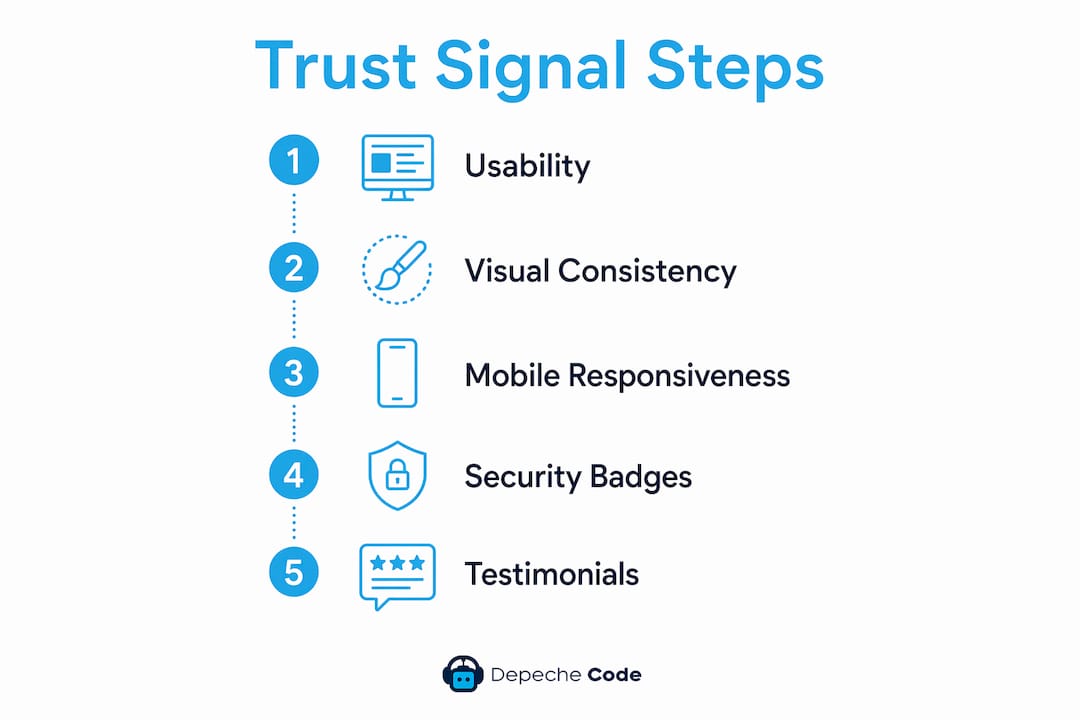
Research from BlurTest confirms that trust signals are dynamic tools that address specific anxieties at precise visitor journey moments, not static homepage decorations. That insight alone should change how you think about your site layout.
Why does design affect user trust at a psychological level?
The psychology behind how design influences trust comes down to one core drive: humans avoid risk. Your visitors are constantly, subconsciously scanning your site for signals that tell them whether engaging is safe or dangerous.
Self-Determination Theory and Conservation of Resources Theory both explain this behavior. Visitors subconsciously rely on familiar design patterns to reduce perceived risk. When a site looks and behaves like other trustworthy sites they have used, their brain categorizes it as safe. When it looks unusual or broken, their brain flags it as a potential threat.
Perceived usefulness also mediates the impact of design on brand trust. This means that even if your site looks beautiful, visitors will not trust it if it does not help them accomplish their goal. Beauty without function creates confusion, not confidence.
Dynamic trust anxiety is another concept worth understanding. Anxiety peaks at specific moments: when a visitor is about to click a CTA, fill out a form, or enter payment details. These are the moments when your design must work hardest. A cluttered, visually noisy page at those moments amplifies anxiety. A clean, clear, focused design reduces it.
Trust also builds through consistency and authenticity, not through complexity. Businesses that chase flashy animations or complicated layouts often undermine the very credibility they are trying to build. The importance of website aesthetics lies not in impressing visitors but in making them feel secure.
How do you implement trustworthy web design without common pitfalls?
Building a site that earns trust requires deliberate choices, not just good taste. Most businesses make the same avoidable mistakes.
-
Update trust signals regularly. An outdated copyright year in your footer, expired certifications, or old testimonials signal neglect. Neglect destroys trust faster than bad design.
-
Prioritize authenticity over polish. A blurry photo of your real team beats a perfect stock image every time. Visitors recognize authenticity, and they reward it.
-
Balance visual hierarchy. Your CTAs need to stand out, but a page crammed with competing elements confuses visitors. One primary action per page keeps the path clear.
-
Run A/B tests on trust signal placement. A/B testing trust signal placement helps match signals to visitor anxiety moments and directly improves conversion rates. Testing removes guesswork and replaces it with data.
-
Keep designs clean and current. A site that looked modern in 2019 may read as outdated in 2026. Outdated design signals that a business is not paying attention, which raises doubt about every other aspect of the operation.
Pro Tip: Audit your site’s trust signals every six months. Check that every badge is current, every testimonial is real, and every link works. A broken link near a CTA can cost you a sale.
Understanding why quality web design pays off goes beyond aesthetics. It is a direct investment in customer confidence and revenue.
Key Takeaways
Web design is the single most powerful trust signal a business controls online, and its impact on customer decisions is immediate, measurable, and permanent.
| Point | Details |
|---|---|
| First impressions are instant | Visitors form trust judgments before reading a word, based on layout and visual quality. |
| Usability builds subconscious trust | Familiar, easy navigation reduces perceived risk and increases visitor confidence. |
| Trust signal placement is everything | Security badges and testimonials work best at peak anxiety moments, not just on the homepage. |
| Consistency signals credibility | Uniform branding across every page tells visitors they are dealing with a reliable business. |
| Regular updates maintain trust | Outdated design, expired badges, and old testimonials actively erode visitor confidence. |
What I have learned about trust and web design after years in the field
The most common mistake I see businesses make is treating trust as a one-time design decision. They build a site, add a few badges, collect some testimonials, and consider the job done. Trust does not work that way. It is dynamic. It shifts with every update, every new visitor expectation, and every change in your industry.
I have watched businesses double their inquiry rates after a focused redesign that did nothing more than clean up visual clutter, add real team photos, and move their security badge next to their contact form. No new copy. No new offers. Just smarter design decisions. The product did not change. The trust signal did.
The uncomfortable truth is that most visitors will never tell you why they left your site. They just leave. And the reason is almost always a design failure that triggered a subconscious risk response. A mismatched font, a slow load time, a vague testimonial, a cluttered checkout page. These are not minor details. They are the moments where trust is won or lost.
My advice is to treat your website like a living document. Review it quarterly. Test new trust signal placements. Replace stock photos with real ones. Update your testimonials with specific, verifiable results. The businesses that do this consistently outperform those that treat their site as a finished product.
Building trust through design is not about being perfect. It is about being consistent, authentic, and attentive. Visitors notice when a business cares about their experience. That care is itself a trust signal.
— Donovan
How Depechecode builds trust into every website it creates
Depechecode’s approach to website design and development is built around one principle: every design decision should increase visitor confidence and reduce anxiety. The Orlando-based agency integrates trust signals, visual consistency, and mobile performance into every project from the start, not as an afterthought.
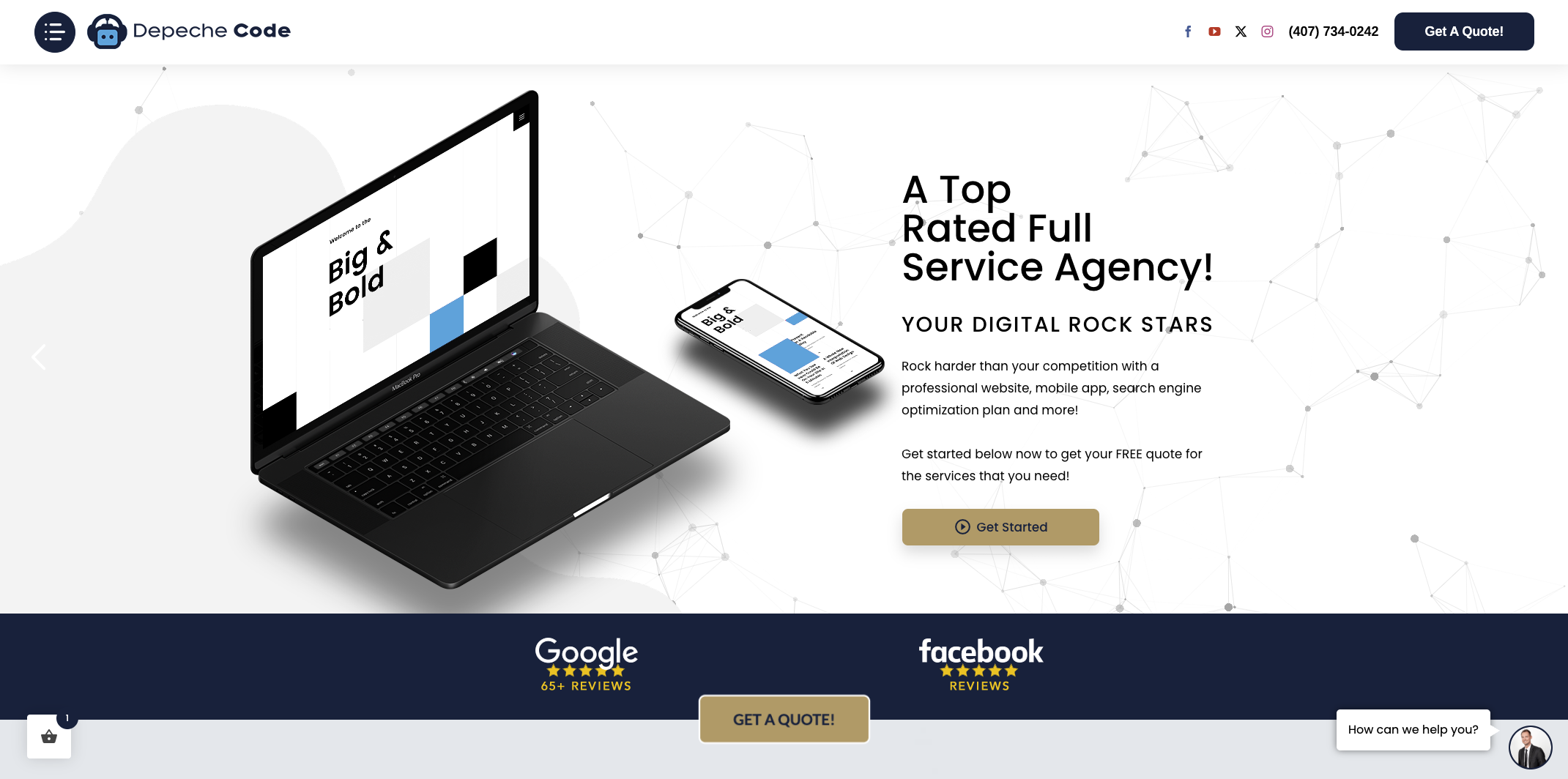
Depechecode works with businesses across industries to place testimonials, security elements, and CTAs where they perform best, based on how visitors actually behave on a page. If your current site is losing visitors before they convert, the problem is almost certainly a design issue that a focused redesign can fix. Depechecode’s team handles the full process, from audit to launch, so you get a site that earns trust from the first click.
FAQ
What is the role of web design in trust?
Web design is the primary credibility signal visitors use to judge a business online. Research shows 94% of users distrust sites with poor design, making layout and aesthetics the first filter for customer confidence.
Which design elements build the most trust?
Consistent branding, intuitive navigation, real testimonials, security badges near forms, and fast mobile load times are the strongest trust-building design elements. Placement matters as much as presence.
Does website speed affect customer trust?
Fast-loading, mobile-friendly websites increase perceived usefulness and trust. A slow site signals unreliability, which raises doubt about the business behind it.
How often should businesses update their trust signals?
Trust signals should be reviewed at least every six months. Expired badges, outdated testimonials, and old copyright dates actively reduce visitor confidence and can cost conversions.
Can A/B testing improve trust signal effectiveness?
A/B testing trust signal placement directly improves conversion rates by matching the right signal to the right visitor anxiety moment. Testing replaces assumptions with measurable results.